
Hi, im amirHosein
About
Web, graphic and UI designer passionate about crafting visually appealing and user-centric designs. With few years of experience focused on details and creativity, I have successfully delivered numerous projects.
I believe ideal design combines aesthetic excellence with seamless user experience. Constantly upgrading my skills by learning cutting-edge design tools and techniques, I'm excited to collaborate on challenging projects and deliver innovative solutions.
Skills
Latest Projects
Check out my latest projects
I've worked on a variety of projects, from simple websites to complex web applications. Here are a few of my favorites.
My Journey
From Curiosity to Code and Projects
A brief look at my journey in front-end development — from learning the basics of HTML and CSS to creating dynamic, responsive web experiences that bring ideas to life.
 2019 - 2020
Getting Started with HTML, CSS & Design
Back in high school, I discovered HTML and CSS — and also met Adobe Illustrator for the first time. That’s when I realized what web design really was and how it worked. I instantly fell in love with design — especially crafting visual and user interfaces. It was like finding the creative side of tech that I didn’t know existed.
- 22020 - 2021
Exploring Design & Coding Basics
During the last years of high school, I spent a lot of time checking out websites and studying how they were built. I was playing around with Photoshop and Illustrator, learning design fundamentals, and writing a few lines of code here and there — just enough to get curious about how everything worked together.
- 32021 - 2022
My First Website (and a Lot of Excitement)
That’s when I met WordPress and discovered the world of front-end and back-end development. I learned how to use Elementor and built my very first website — honestly, it was terrible, but I couldn’t care less. The fact that I had created something real on the web was incredibly exciting.
- 42022 - 2023
Diving Deeper into Front-End & University Life
By then, I had gotten quite comfortable with WordPress, but I wanted to go deeper. So, I went back to the basics — HTML and CSS — and started learning JavaScript as my first real programming language. It was confusing at first (as it usually is!), but I kept pushing through. Around the same time, I began studying computer science at university, which gave me a broader view of the tech world.
- 52023 - 2024
Restarting the Journey with Fresh Motivation
A year later, I found myself surrounded by some seriously talented people at university — folks who were way ahead of me in coding, design, and creativity. To be honest, I had forgotten a lot of what I once knew. I had lost my rhythm. But seeing how much others had grown reignited my motivation. I decided to start over from scratch, relearning web design and rebuilding my skills stronger than ever.
- 62024 - 2025
Leveling Up My Skills
This time around, I was fully back in the game. I polished my HTML and CSS skills, mastered Bootstrap, and finally got comfortable with JavaScript. Along the way, I built several practice projects and, thanks to my university courses, learned a good deal of SQL and Python. I also improved my UI design abilities and created some projects and you can see them in below.
- 72025 - 2025
Entering the Modern Front-End Era
After getting solid fundamentals, it was time to dive deeper. I started learning React and Tailwind CSS to get up to speed with modern web development. I built a few test projects with them and, along the way, learned how to use Git and GitHub to manage and deploy my work — which felt like unlocking a new level of professionalism.
 2025 - 2025
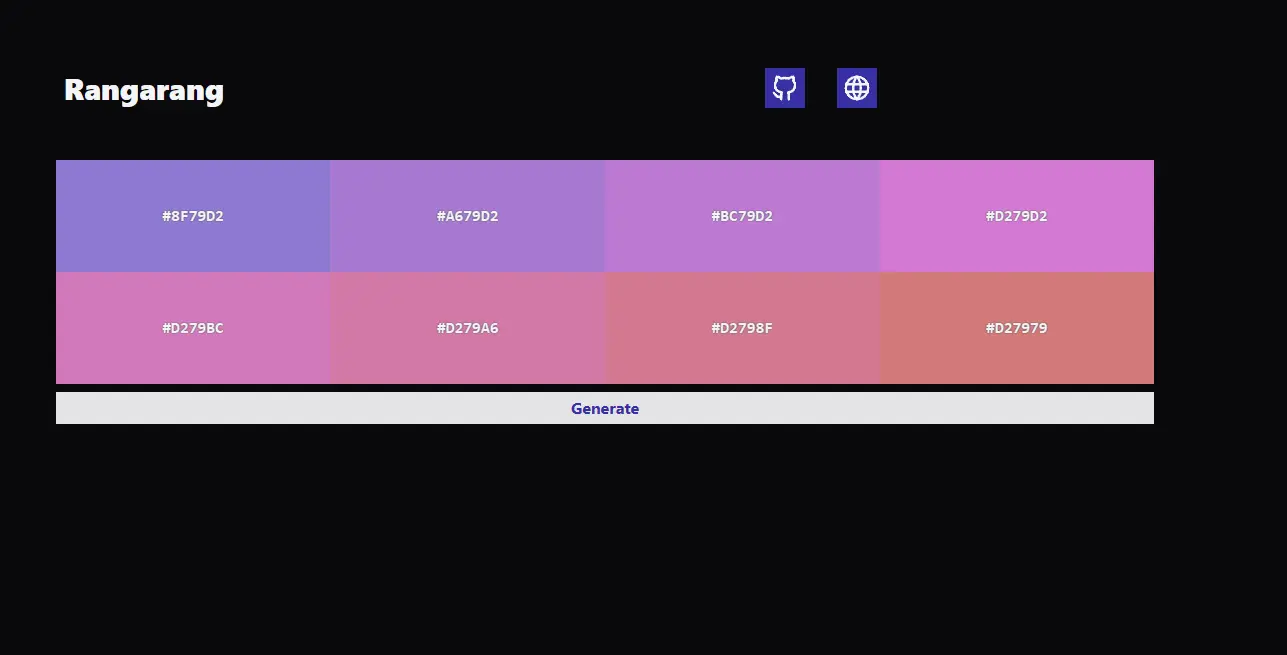
Rangarang
Color Palette Generator with Stunning Harmonies Rangarang is a creative web app that generates beautiful, harmonious color palettes effortlessly. Whether you're a designer, artist, or developer, use our smart tools to create eye-catching color combinations perfect for branding, UI design, or any creative project. Get inspired and bring your visuals to life with the perfect color harmony.
- 92025 - 2025
Building Real Projects with Next.js
A few months later, after getting comfortable with React and Tailwind, I took the next step — literally — by learning Next.js. It helped me take my front-end knowledge to a more complete level. With it, I built this very portfolio website to showcase my journey and projects — a place that truly reflects how far I’ve come.
- 102025 - 2025
Embracing TypeScript & Beyond
Toward the end of the year, I began learning TypeScript to make my code cleaner, safer, and more scalable. From here on out, my goal is to build my future projects using TypeScript and keep expanding both my skills and creativity.

 2025 - not set
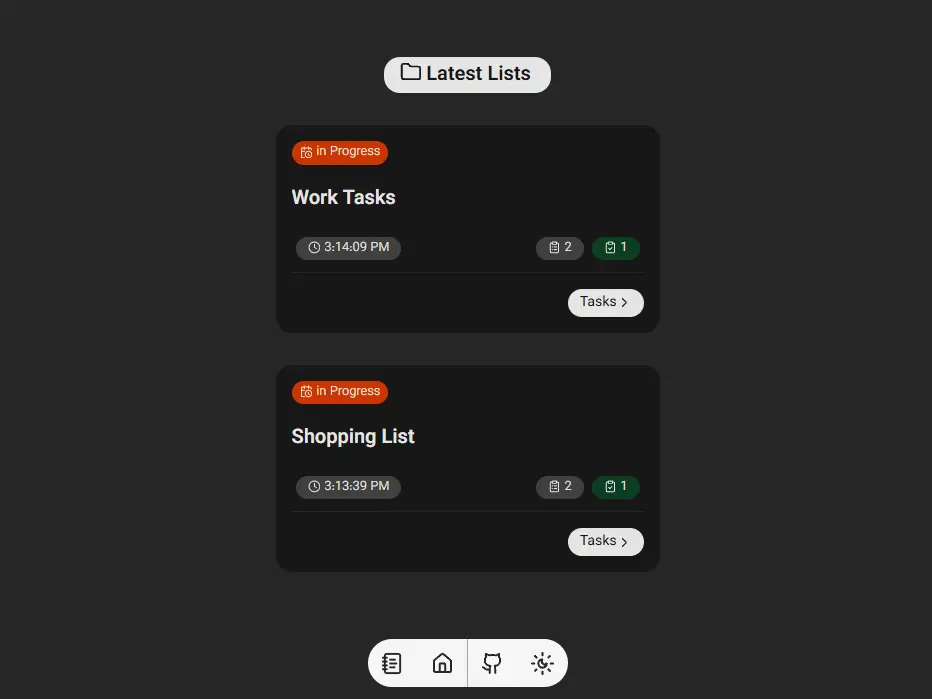
Taskdone
I wanted to improve my frontend skills, so I started learning **Zustand**—a lightweight and simple state-management library for React that makes handling global state clean and efficient. To practice it, I built this open-source task management app using **TypeScript** and **Zustand**, and it turned into a solid little learning project.